

Agentic telemetry platform. Your data, perfectly in tune.
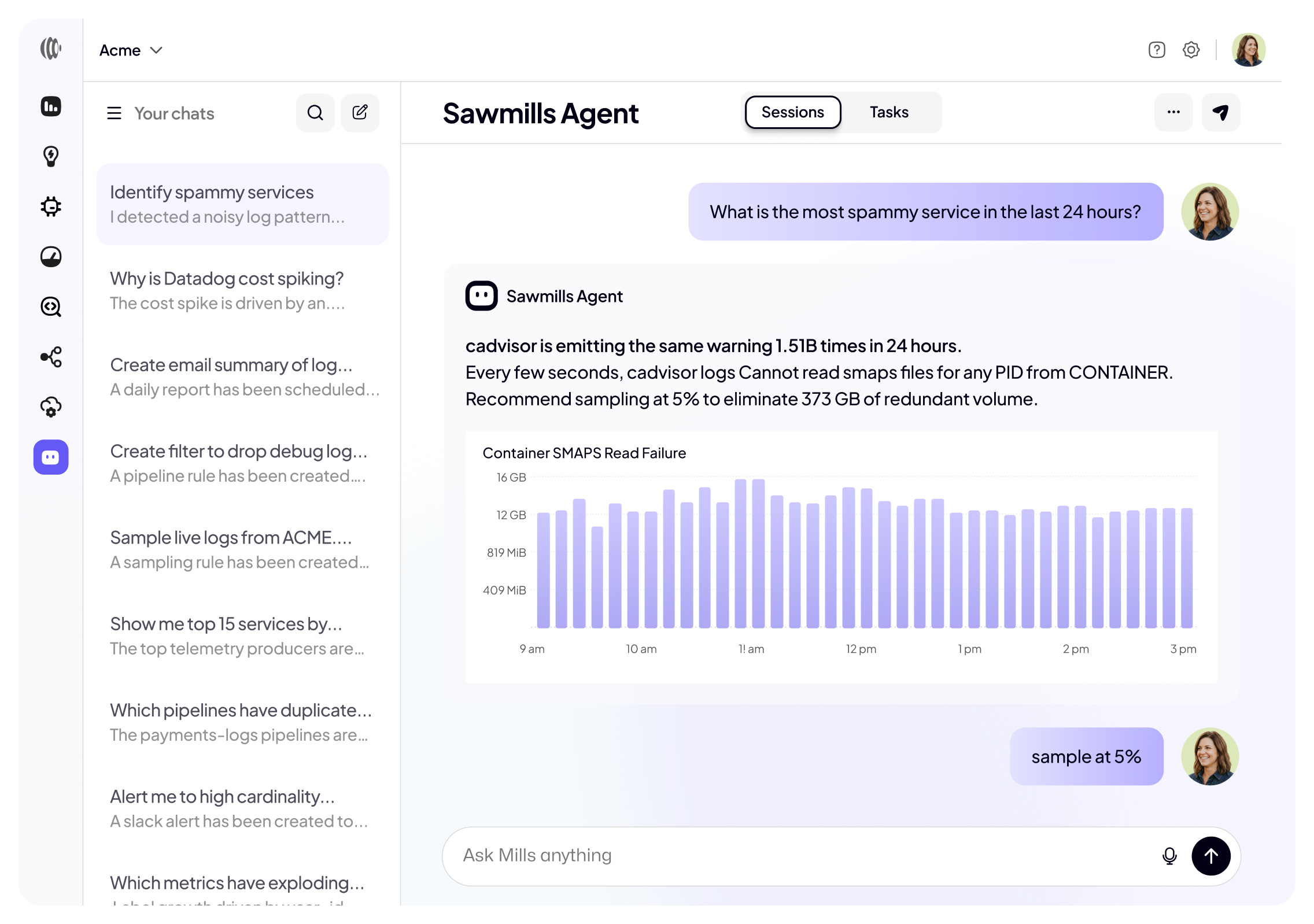


From insight to action, performed flawlessly
The Sawmills agent continuously coordinates the creation, optimization, and ongoing management of telemetry data, ensuring perfect harmony.
Keep telemetry perfectly tuned.
Continuously analyzes and optimizes your telemetry data in real time, answering questions, finding issues, sending alerts, and enabling automatic corrections.
You conduct through conversation.
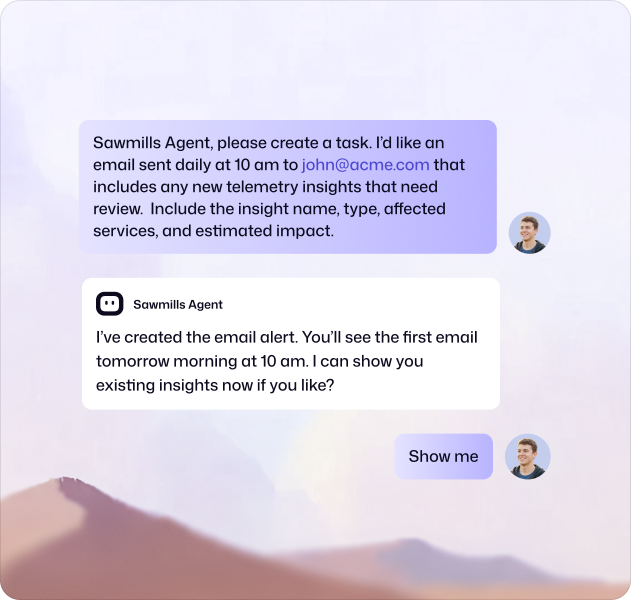
Sawmills gives you full command over your telemetry data, answering questions, running tasks, and applying changes with complete control and unlimited flexibility.

Developers self-service with guardrails.
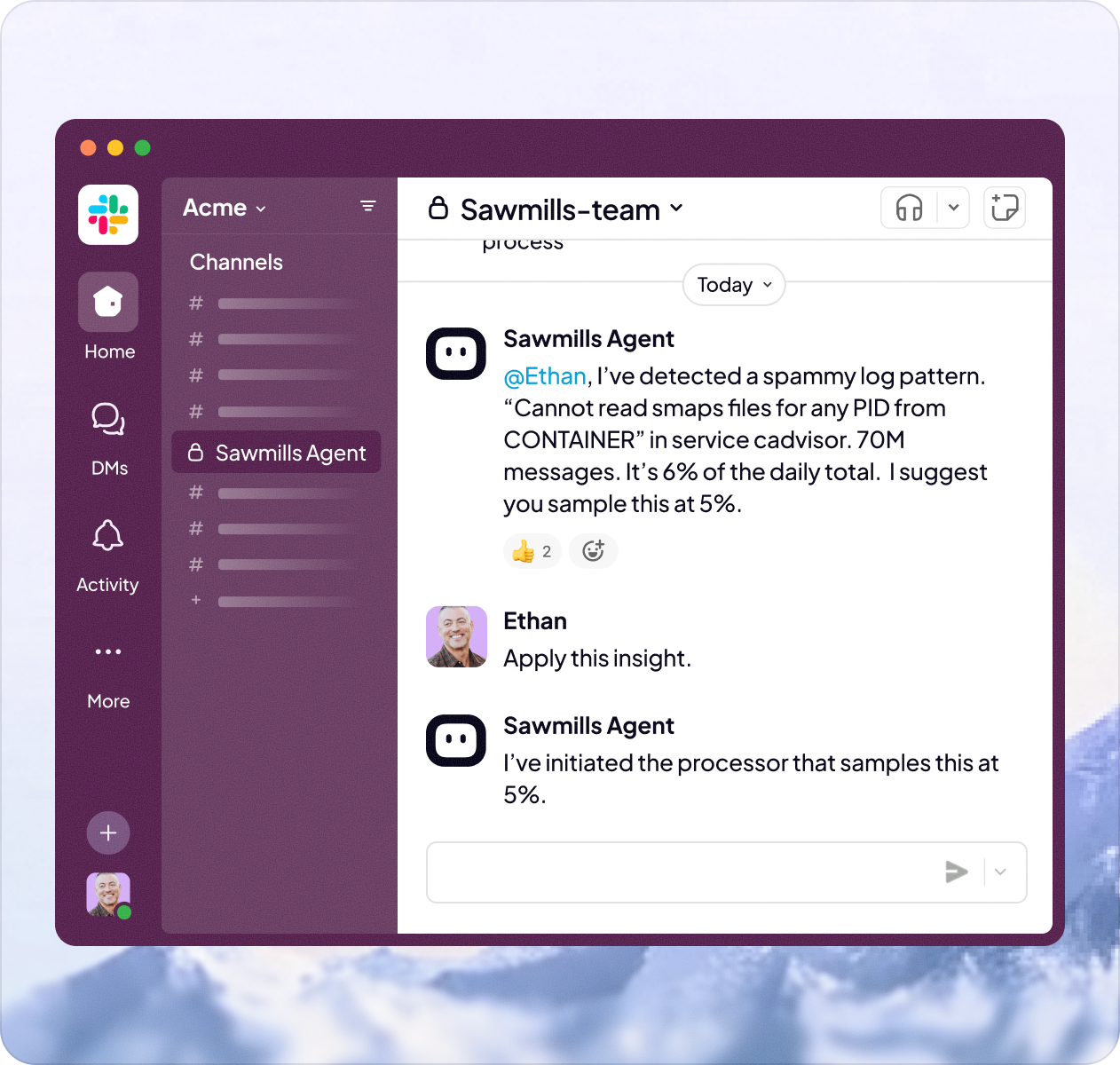
DevOps teams use Sawmills to empower developers with self-service telemetry tuning, applying insights, refining filters, and troubleshooting log ingestion directly in Slack or Teams, while DevOps maintains guardrails and control.



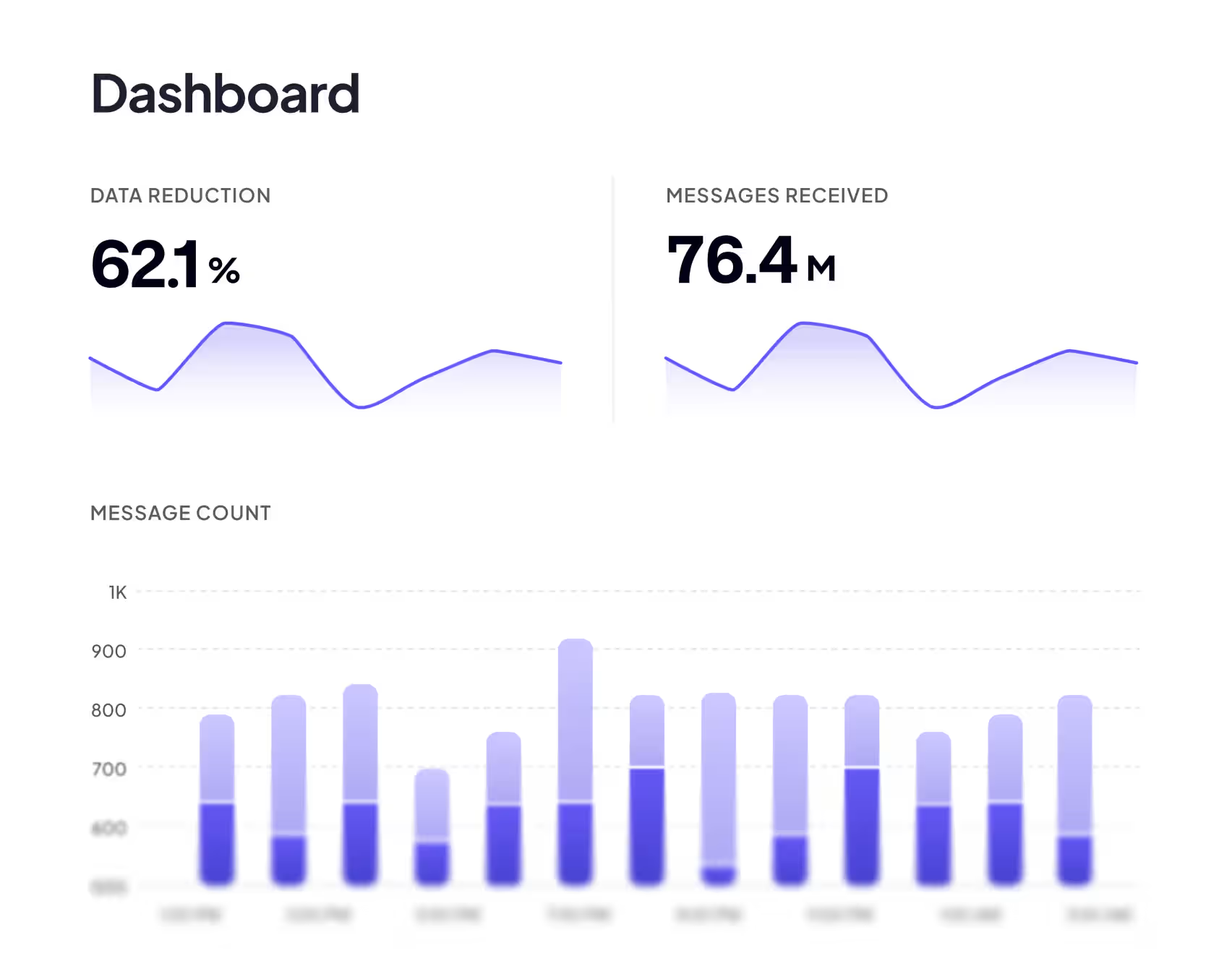
Cuts your observability costs
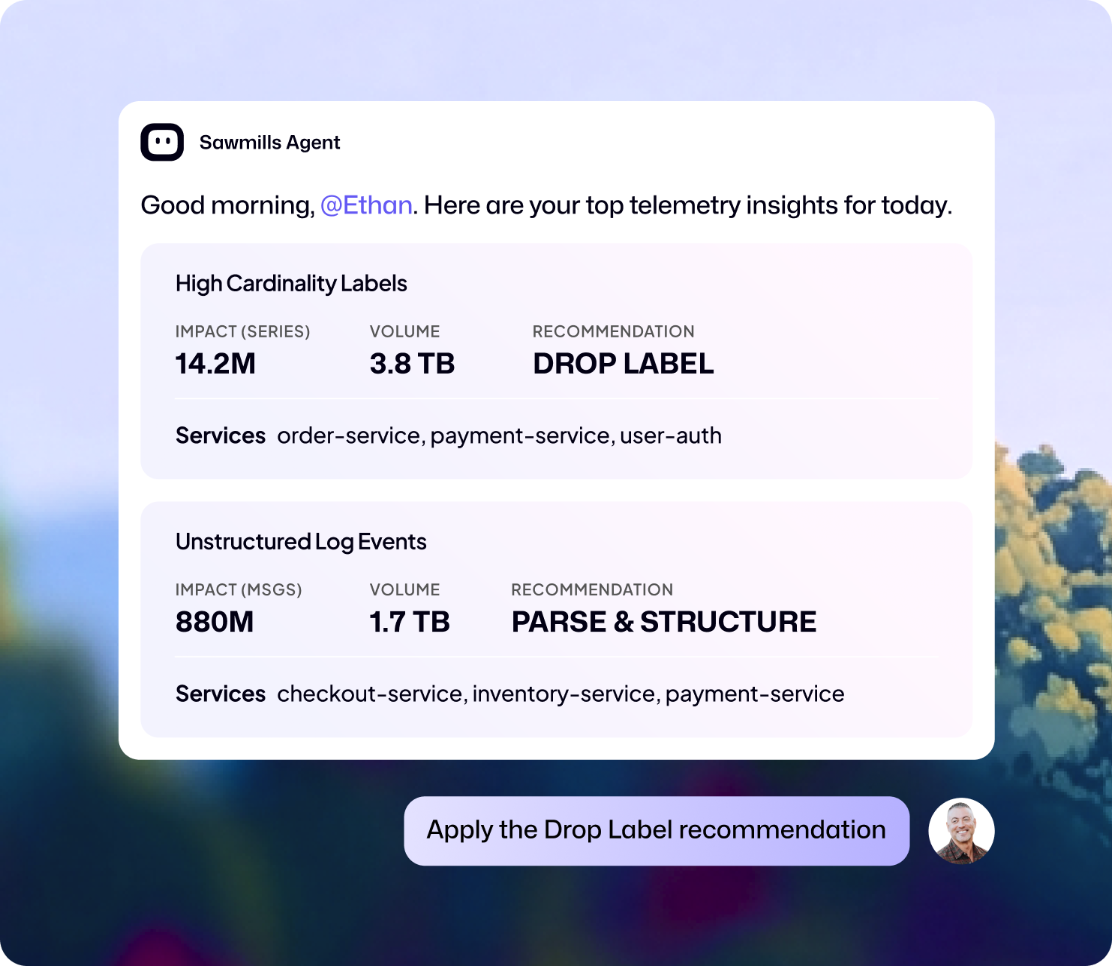
Sawmills finds telemetry burning your budget and fixes by sampling, aggregating, transforming, routing, and more. Full automation, DevOps approval, or developer self-service, Sawmills takes action however you configure it. Automate with workflows or make changes in Slack or our UI.
Learn more
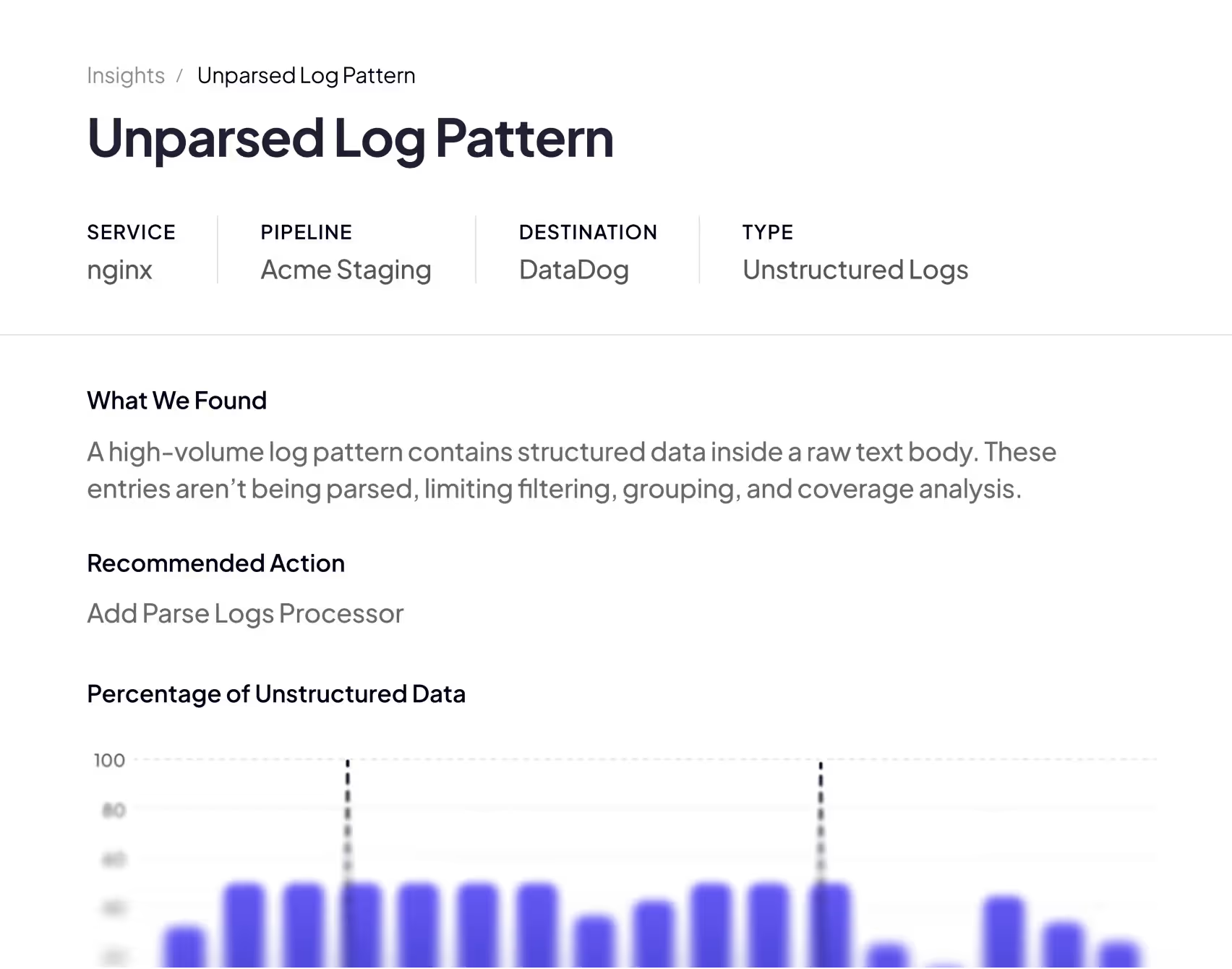
Transforms telemetry quality
Sawmills converts low-quality telemetry into structured, actionable data before it reaches your observability platform—detecting missing or duplicate attributes, correcting formats, and applying enrichment, redaction, and other transformations automatically.
Learn more
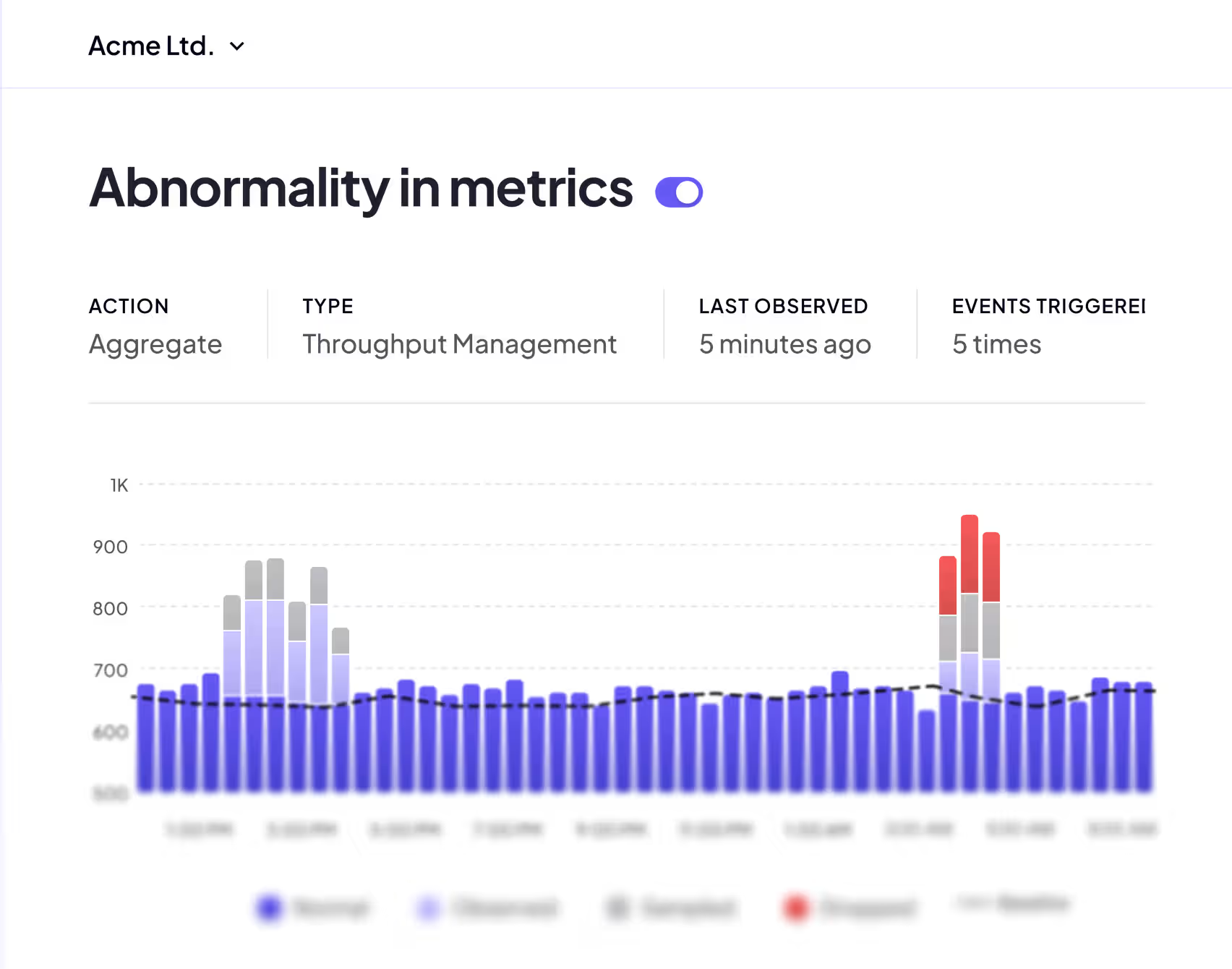
Safeguards observability uptime
High-cardinality metrics, ingestion spikes, and runaway data are detected before they crash your observability systems. Review Sawmills recommendations in Slack or Teams and apply protections with natural language commands.
Learn more
Govern telemetry from planning to production.
Sawmills puts DevOps in the conductor’s seat—replacing manual scripts, data sifting, and developer chasing with true telemetry ownership.

Code
Write better telemetry from day one. Sawmills auto-instruments your services, guides developers on best practices, and writes high-quality telemetry right in the IDE.

CI
Ship clean telemetry every time. At every deploy, Sawmills validates your telemetry is consistent and complete — so bad signals never make it into production.

Production
Get smarter with every release. In production, Sawmills identifies noise and gaps and feeds optimizations back into the next cycle — so telemetry improves with every deploy.
Everyone performs at their best
Sawmills puts DevOps in the conductor’s seat—replacing manual scripts, data sifting, and developer chasing with true telemetry ownership.

DevOps Leaders
- Own the telemetry strategy end-to-endSet standards, guardrails, and workflows once. Sawmills enforces them continuously across teams and services.
- Spend less time coordinating, more time directingSurfaces issues (cost, quality, reliability) and executes the playbook at machine speed with the level of oversight you choose.
- Scale self-service without losing controlDevelopers can safely tune what they own in Slack andTeams while you keep visibility, approvals, and policy control.
DevOps Leaders

DevOps Engineers
- Stop being the middlemanNo more chasing engineers to clean up problematic telemetry, or getting chased when developers can’t find their data.
- Fix faster, your wayIdentifies telemetry issues and their root cause, then lets you automate end-to-end, apply the change yourself, or route it through your approved workflow in Slack/Teams or the UI.
- Keep systems stablePrevents spikes and runaway telemetry from breaking your observability platform your budget.
DevOps Engineers

Developers
- Never miss telemetry when it mattersIf your data is being filtered or altered, you can fix it right in Slack—remove the filter, adjust what’s being captured, or restore the fields you need—within DevOps guardrails.
- No more being chased by DevOpsWhen your telemetry gets noisy, expensive, or low-quality, Mills alerts you in Slack with recommended actions so you can decide and apply a fix in seconds.
- No more context switchingStay focused on building features instead of getting pulled into telemetry cleanup
Developers

CTOs
- Lower observability spend without losing signalMills continuously optimizes telemetry cost and quality so costs drop while the data stays useful.
- Accelerate engineering velocityDevelopers stop context switching and DevOps stops firefighting—issues get resolved in minutes with governed self-service and automation.
- Governance at scaleStandardize telemetry policies, guardrails, and reliability across every team and service, with full visibility and control.
CTOs

“Sawmills helped us cut our observability costs by 63%, without losing visibility. And we’ve cut ingest by 93%. Now, we route the bulk of our data to low-cost storage, index only what matters, and have actually expanded access to high-value logs”


“Partnering with Sawmills has set us on a path toward optimizing our telemetry data—paving the way for streamlined costs, improved observability resource allocation aligned with our business needs, and enhanced data governance.”

FAQs
How does Sawmills detect and reduce wasteful telemetry?
Sawmills uses AI to analyze your logs and metrics in real time, identifying data that drives up cost without adding value. That includes verbose logging, duplicate entries, and metrics with unused labels. The platform surfaces suggestions for reduction and lets you apply fixes with one click. DevOps and SRE teams can set rules that automatically drop or sample low-value data upstream, before it’s sent to observability platforms like Datadog, Splunk, or New Relic, so you’re not paying for ingestion you don’t need. Best practices for reducing telemetry costs start with this kind of pre-ingestion filtering.
What makes Sawmills a good alternative to building custom telemetry pipelines?
Building and maintaining custom pipelines takes dedicated engineering time. Sawmills gives teams a no-code interface to configure routing, filtering, and aggregation without writing or maintaining custom code. It’s one of the best alternatives for companies that want pipeline-level control but don’t have the resources to build it from scratch. Compared to other pipeline tools and platforms, Sawmills is easy to deploy, requires minimal configuration, works across multiple destinations, and handles the complexity of multi-collector environments out of the box.
How does agentic telemetry management work?
Mills is an agentic telemetry operator that continuously analyzes your telemetry flows, applies DevOps-defined policies, and makes real-time recommendations about what gets routed, filtered, enriched, or dropped. Teams typically see 60–80% reduction in observability spend, while data quality improves because what reaches your backend is consistent, correlated, and actionable. Mills isn't a copilot — it runs your pipelines autonomously, within guardrails your team controls, and works with the observability platforms you already use.
Can Sawmills help control observability spend across teams?
Yes. Sawmills includes telemetry resource allocation and source attribution, so you can see exactly which teams and services are producing what data and how much it costs. This makes it possible to set budgets per team, track spending over time, and hold departments accountable for their telemetry footprint. For large SaaS and enterprise companies, this kind of visibility is one of the best strategies for bringing observability costs under control without top-down mandates.
How does Sawmills handle log and metric optimization differently from standard pipeline tools?
Most standard pipeline tools focus on routing and transformation. Sawmills goes further by using AI to detect optimization opportunities that manual rules miss, like redundant log patterns and underused metric labels that could be sampled without losing diagnostic value. The platform recommends specific actions (drop, sample, aggregate, route) and shows the projected cost reduction for each one, so teams can make informed decisions rather than guessing where to cut.
What telemetry data types does Sawmills support?
Sawmills supports logs and metrics. Traces are coming in the near future. Because it’s built on the OpenTelemetry Collector, it works with any source or destination that supports the OTel standard. That means you can manage your entire telemetry stack from one centralized platform, whether you’re sending data to Datadog, Splunk, Prometheus, Elastic, or a combination of monitoring backends. The platform supports OpenTelemetry standards natively, so it fits into any existing architecture.